Install it, test it, know where the data is.
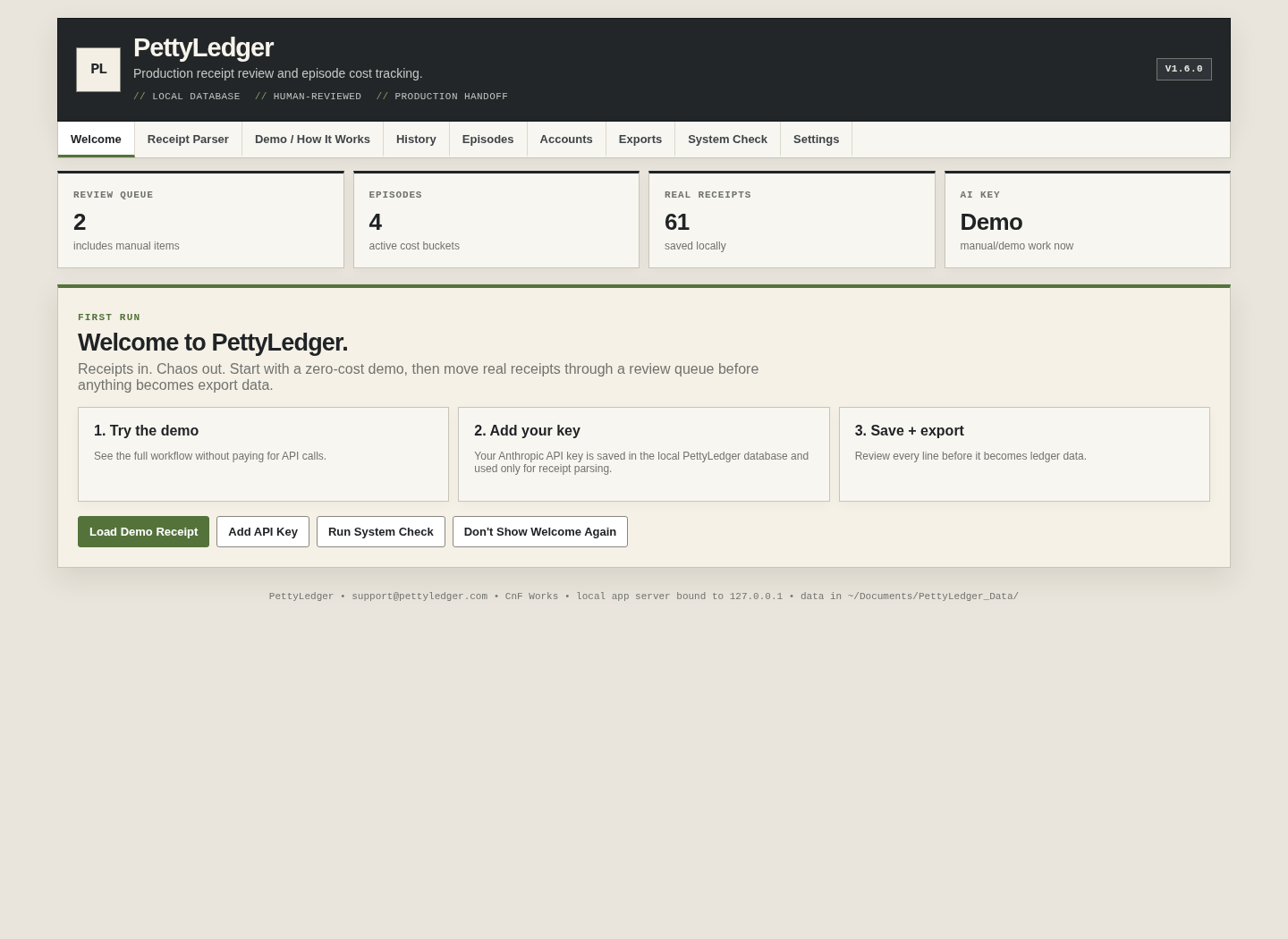
The built-in demo is the safest first test. It does not require an API key or a real receipt.
Packaged app
Troubleshooting without ritual sacrifice.
Where is my data?
~/Documents/PettyLedger_Data/. The folder contains the SQLite database, receipts and related local files.
Do I need an Anthropic API key?
Only for real AI parsing. Demo mode and manual receipt entry work without one.
What happens if parsing fails?
PettyLedger tries twice. After the second failure, it moves the receipt into manual entry and retains the original file.
How do I back everything up?
Settings → Export Everything ZIP. Use it before major updates, handoffs or machine changes.
Why does it open in a browser?
The desktop app runs a local web interface bound to 127.0.0.1. The browser is the UI; your data still lives in the local PettyLedger data directory.
Can I use Intel Mac?
The current packaged executable is arm64, so the public build should be advertised for Apple Silicon only unless a separate Intel/universal build is produced and tested.
Does it sync directly to CASHét/GreenSlate/PSL?
No. PettyLedger exports standard files, including a CASHét-style P-card CSV, but does not claim direct integration.
Something is broken. Where do I report it?
Email [email protected] with the app version, what you clicked, and what System Check shows. Do not email private receipt data unless it is necessary and you are comfortable sharing it.
Build, test, then publish.
This local project includes source changes newer than the old DMG currently in the app folder. Rebuild the standalone app/DMG on Apple Silicon, run the demo and System Check from that DMG, then publish the release asset. The website is already written around the rebuilt version, not the stale packaged artifact.